
Choosing Between a Camera Gimbal and Mobile Gimbal for Travel Filming
When you’re on the road, every moment is worth capturing — the sweeping landscapes, the laughter, the unexpected details that make travel magical. But here’s the challenge: how do you keep those memories looking cinematic instead of shaky? The choice often comes down to two tools — a camera gimbal or a mobile gimbal. Both promise stability, but which one fits your travel style best?
Quick Comparison: Camera Gimbal vs Mobile Gimbal for Travelers
If you want to travel light, film solo, and capture cinematic-quality footage without bulky gear, a mobile gimbal is the clear winner. With compact design, AI tracking, and instant setup, it’s made for creators on the move. A camera gimbal delivers superior precision and control for professional filmmakers — but for 90% of travelers, the mobile option offers the best balance of performance, convenience, and creativity.
Who Should Read This Travel Gimbal Comparison
Who this is for:
Travelers, vloggers, and mobile filmmakers deciding which stabilizer to pack for their next trip.
When to use:
When choosing a gimbal that complements your filming style — lightweight and spontaneous vs. professional and controlled.
When not to use:
If you shoot only studio projects or heavy commercial video where portability doesn’t matter.
How to Evaluate Gimbals for Travel Videos
To make the right choice, let’s compare both options using five key criteria:
- Cost – upfront investment and accessories.
- Time-to-Value – how fast you can get stable, usable footage.
- Scalability – ability to adapt to new devices and shooting styles.
- Portability – weight, size, and travel readiness.
- App Support & Smart Features – tracking, gesture control, and creative integrations.
Quick Verdict: Which Gimbal is Best for Travel Creators?
- Choose a Mobile Gimbal → if you travel light, film solo, and want AI-powered stabilization in seconds.
- Choose a Camera Gimbal → if you shoot with mirrorless or DSLR gear and need cinematic-level control.
- Choose a Hybrid Gimbal → if you use both phones and small cameras and need flexible mounting options.
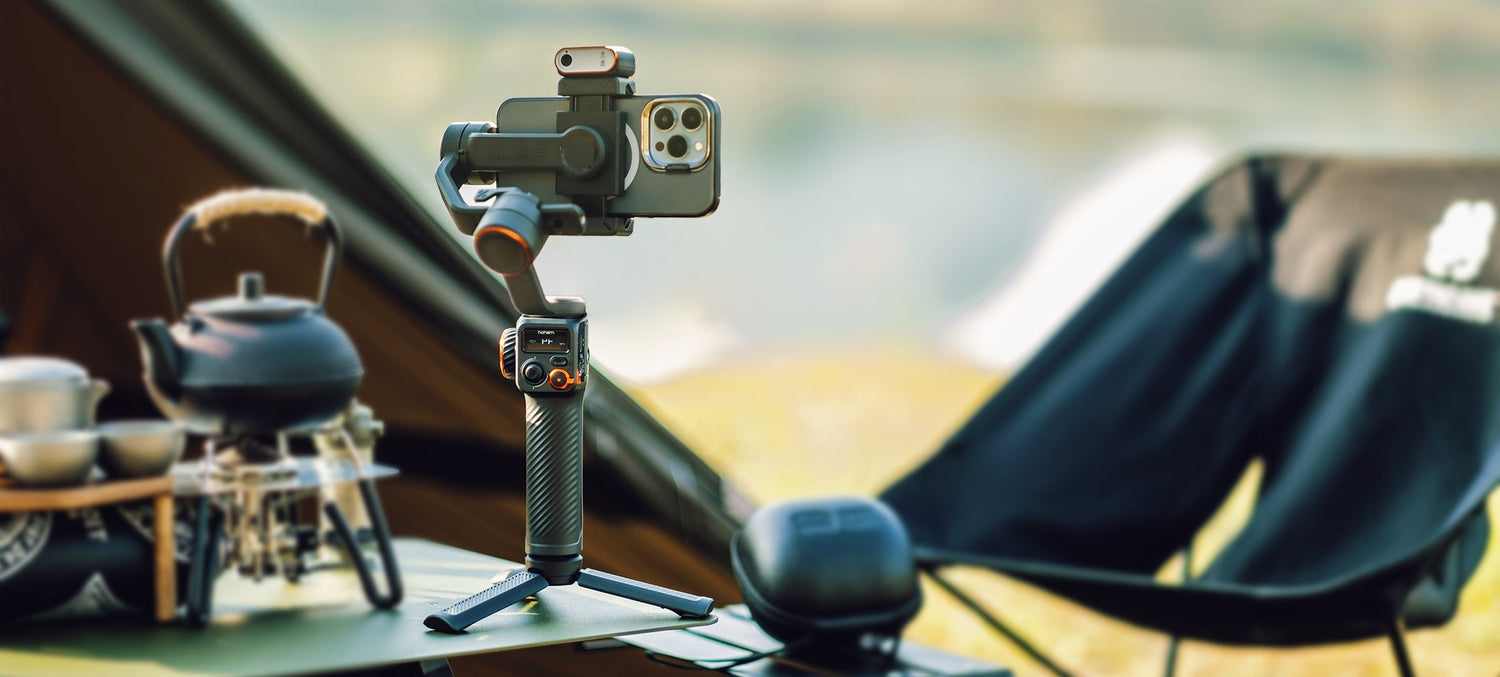
- Pro Tip: For most creators, the Hohem iSteady V3 Ultra hits the sweet spot — light, smart, and powerful enough for travel and professional use alike.
Side-by-Side Comparison: Camera Gimbal vs Mobile Gimbal
| Criteria | Camera Gimbal | Mobile Gimbal |
|---|---|---|
| Portability | Bulky, heavier (1–2kg) | Lightweight, foldable, travel-ready |
| Setup Time | Requires manual balancing | Plug-and-play with auto-calibration |
| Stabilization | Extreme precision for heavy cameras | Advanced 3-axis + AI stabilization |
| Features | Manual focus, lens control, multi-mount | Gesture control, face/object tracking |
| Compatibility | DSLRs, mirrorless cameras | iPhone, Android smartphones |
| Battery Life | 8–12 hrs, replaceable | 6–10 hrs, USB-C rechargeable |
| Cost Range | $400–$800+ | $100–$300 |
| Best For | Filmmakers, production shoots | Travelers, vloggers, content creators |
In-Depth Look: Camera Gimbals for Travel Filmmakers
Strengths:
- Handles large payloads (DSLRs, mirrorless, heavy lenses).
- Offers extreme precision and full control over movement.
- Ideal for cinematic, professional shoots requiring lens changes or external mics.
Tradeoffs & Pitfalls:
- Bulky and not travel-friendly.
- Takes longer to balance and calibrate.
- Requires accessories (tripod, batteries, mounts) that add extra weight.
In short, camera gimbals are incredible for studio or film work, but they’re overkill for most travelers.
In-Depth Look: Mobile Gimbals for Travel Vloggers
Strengths:
- Compact, foldable, and pocket-sized for easy packing.
- Features AI tracking, gesture control, and app integration.
- Quick setup — ready to shoot in seconds.
- Perfect for solo creators who film themselves.
Tradeoffs & Pitfalls:
- Limited to smartphone weight capacities.
- Dependent on mobile app for full control.
- Slightly less robust for extreme camera movements.
Still, modern mobile gimbals like the Hohem iSteady V3 Ultra deliver performance that rivals pro gear — especially with features like touchscreen remote control and 10-meter Bluetooth range.
Decision Checklist: Must-Haves vs Nice-to-Haves for Travel Gimbals
| Category | Must-Haves | Nice-to-Haves |
|---|---|---|
| Stability | 3-axis motor stabilization | AI face/object tracking |
| Compatibility | Supports iPhone & Android | Works with GoPro or compact cameras |
| Portability | Foldable design | Built-in tripod grip |
| Ease of Use | Auto-calibration setup | Gesture control or touchscreen remote |
| Battery | 6–10 hrs runtime | Power bank support |
| App Integration | Creative modes, firmware updates | Preset shooting templates |
Takeaway:
Look for a mobile gimbal that combines 3-axis stabilization, portability, and AI features for true travel-ready performance.
Travel Gimbal ROI: Cost and Value Breakdown
| User Type | Setup | Approx. Cost | ROI / Use Case |
|---|---|---|---|
| Traveler / Vlogger | iPhone + Mobile Gimbal | ~$200 | Lightweight, instant setup, shareable travel content |
| Professional Filmmaker | Mirrorless + Camera Gimbal | ~$800 | High-end projects, professional-grade results |
| Hybrid Creator | Smartphone + Multi-Device Gimbal | ~$300 | Flexibility for both casual and paid shoots |
Insight:
A mobile gimbal delivers about 80% of camera-level stabilization for less than half the cost — perfect for creators who prioritize freedom and portability.
Travel Tips: Maintaining and Using Gimbals on the Go
- Battery: Bring a power bank and recharge via USB-C during downtime.
- Firmware: Keep updated for optimal AI tracking performance.
- Mounting: Center your phone or camera to avoid motor strain.
- Weather: Protect devices from moisture or dust using cases or dry bags.
- Calibration: Recalibrate after each major setup change (e.g., phone case, lens attachment).
FAQ: Common Questions About Travel Gimbals
-
Can mobile gimbals support iPhones with cases or lenses?
Yes — most handle up to 400g, including lenses and accessories. -
Is stabilization better on camera gimbals?
For large cameras, yes. For travel videos, the difference is minimal. -
Can I film professional content with a mobile gimbal?
Definitely — many influencers and vloggers use them for paid collaborations. -
How long does a gimbal last?
Around 2–3 years with proper care and firmware updates. -
Can I use GoPros or small cameras with mobile gimbals?
Yes, many models come with adapters or universal mounts. -
Are gimbals travel-safe on airplanes?
Yes — just carry them in hand luggage and check lithium battery regulations. -
Which mobile gimbal is best for iPhone 17 Pro travel videos?
The Hohem iSteady V3 Ultra — lightweight, powerful, and AI-enhanced.
Capture Your Travels with Hohem iSteady Gimbals
Every trip tells a story — make sure yours looks as breathtaking as it felt. A foldable, AI-powered mobile gimbal transforms travel footage into cinematic memories without adding weight to your backpack.
Explore the Hohem iSteady Series and find your perfect travel companion for smooth, professional videos wherever your next adventure takes you.
Leave A Comment
All comments are moderated before being published.
Este site está protegido pela Política de privacidade da hCaptcha e da hCaptcha e aplicam-se os Termos de serviço das mesmas.