

Filters
14 products
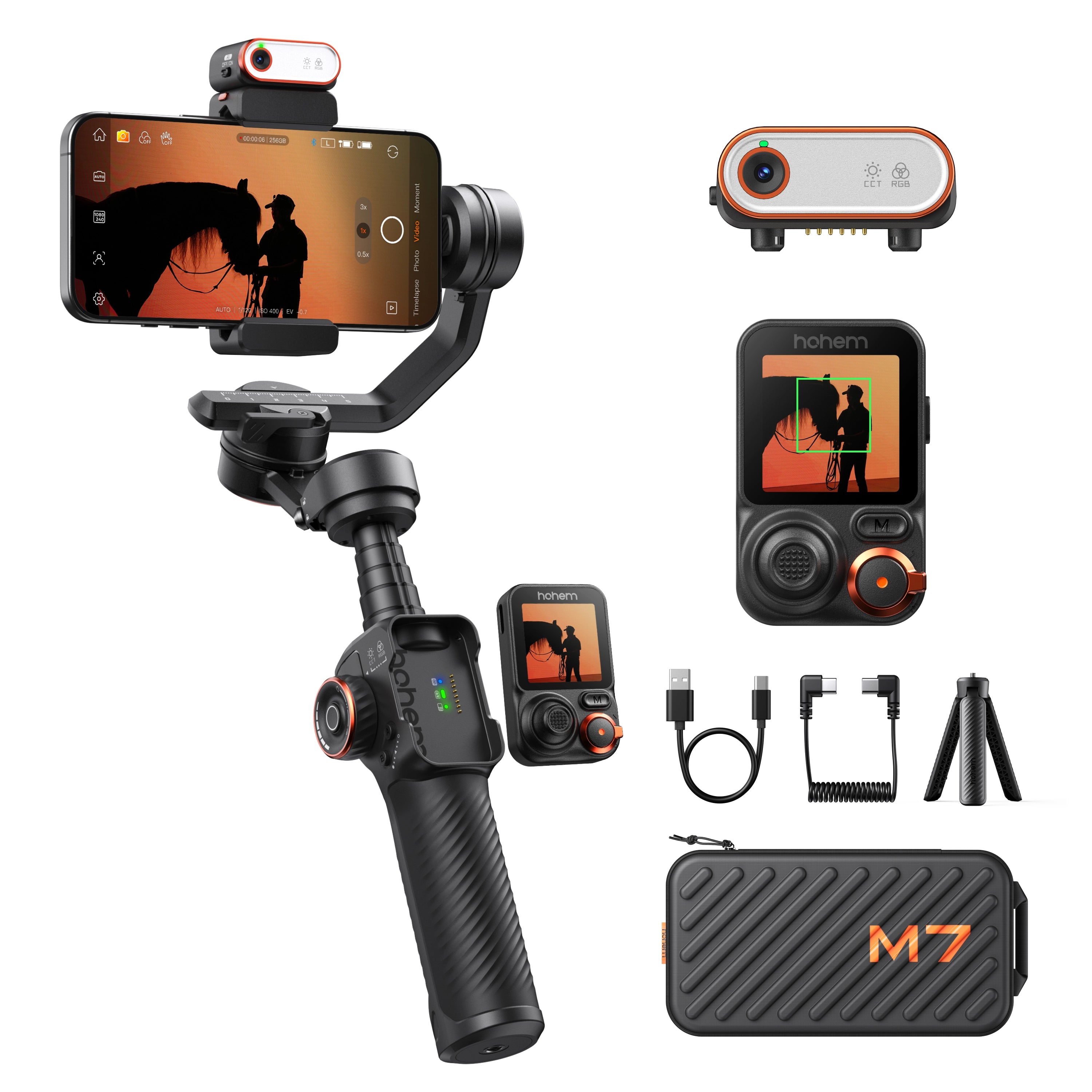
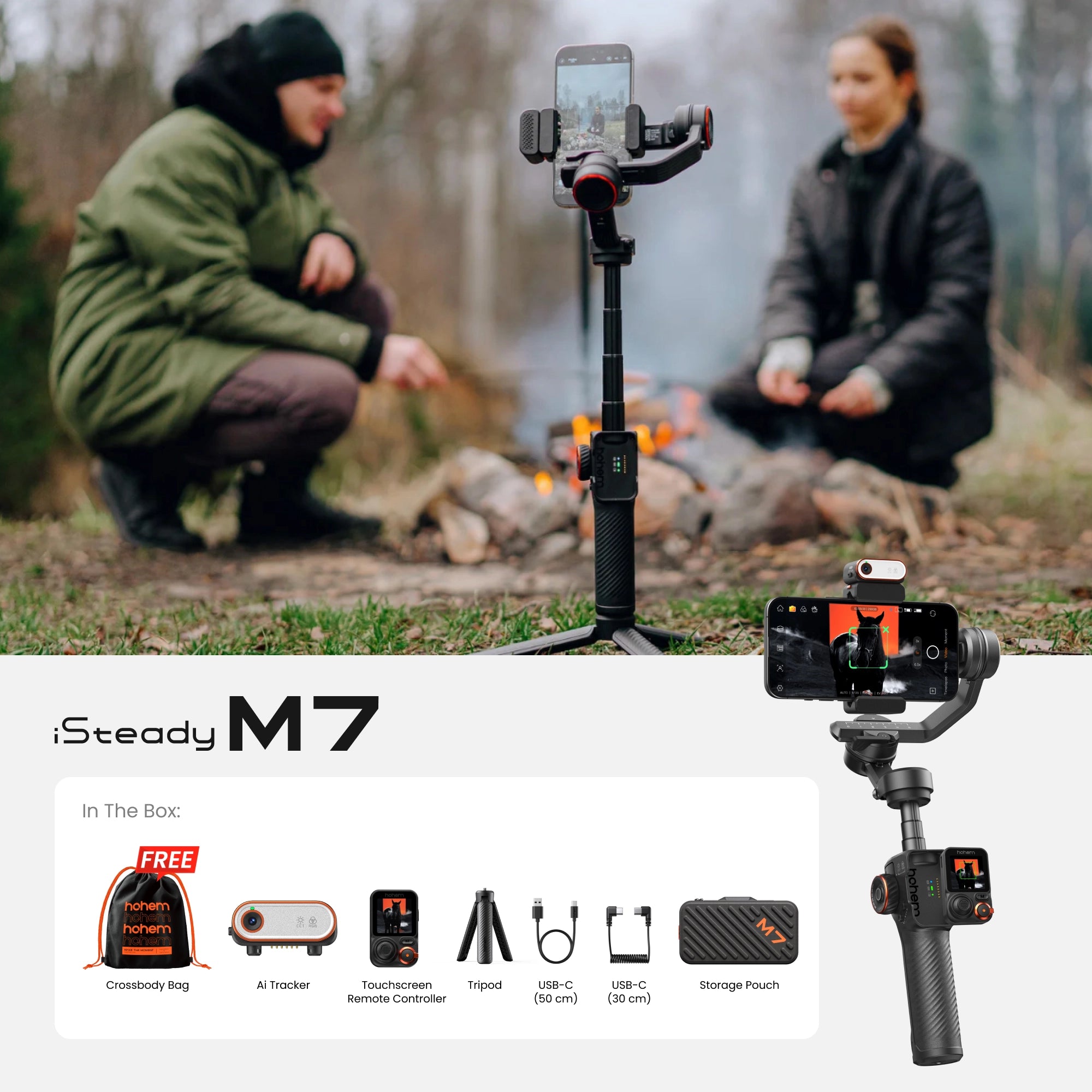


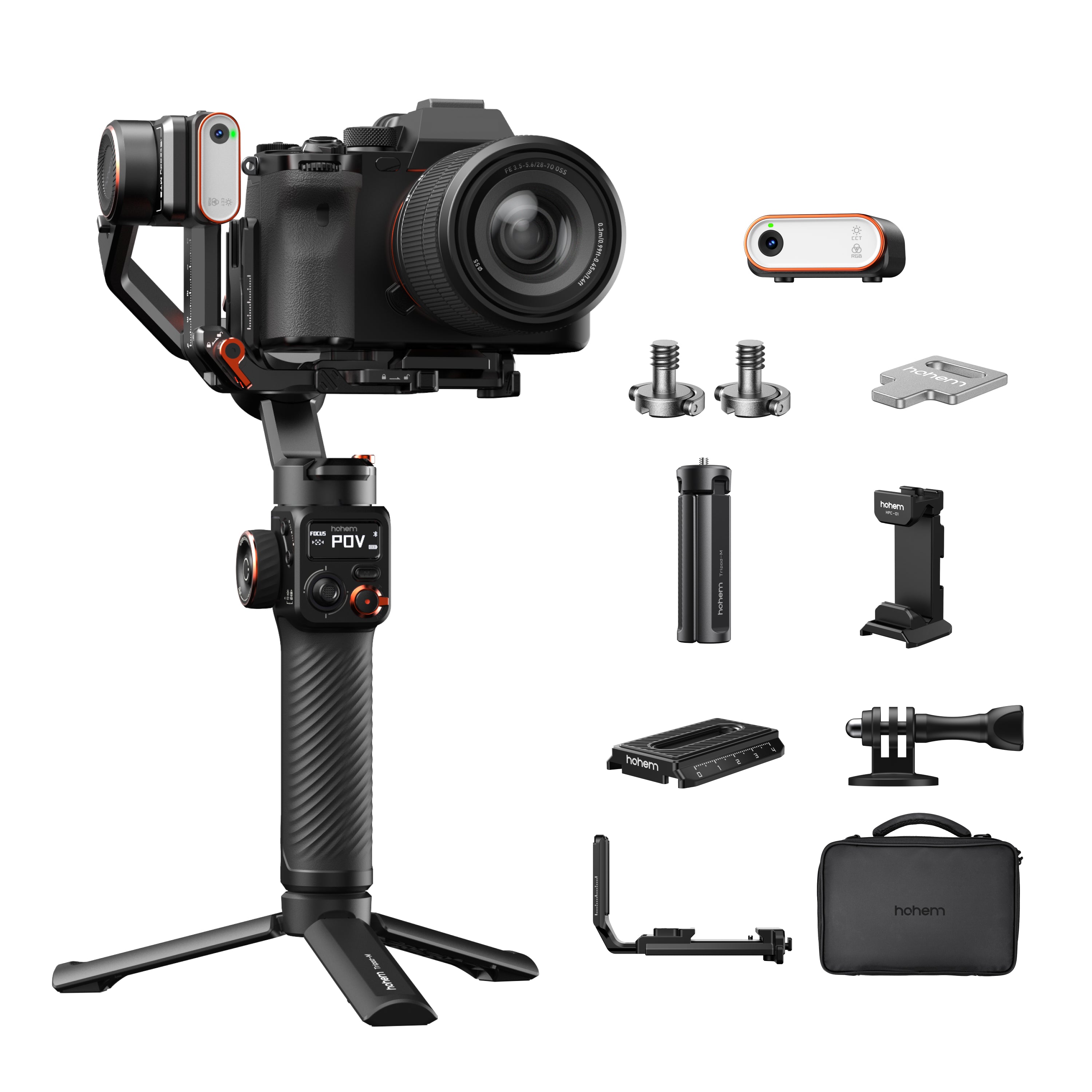

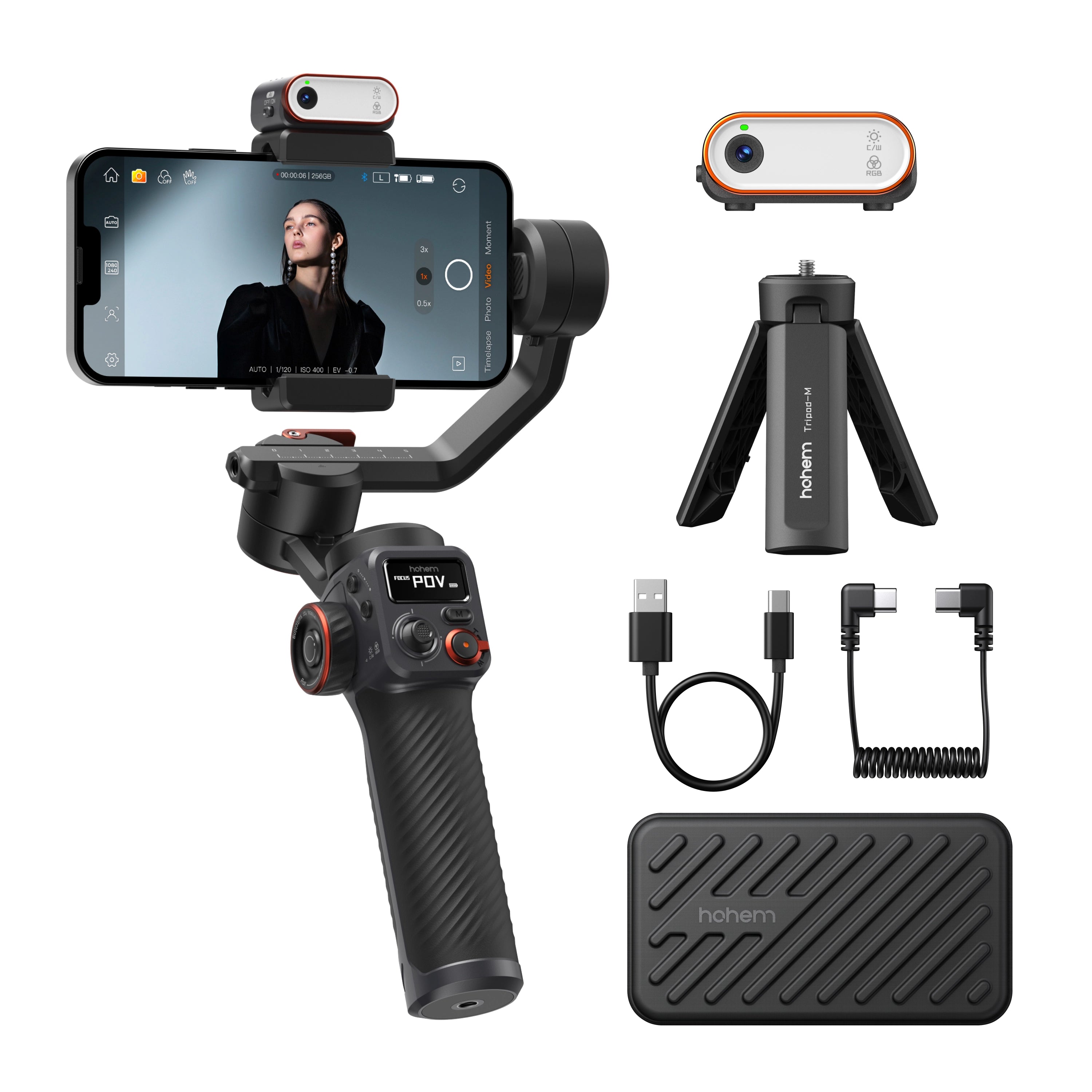


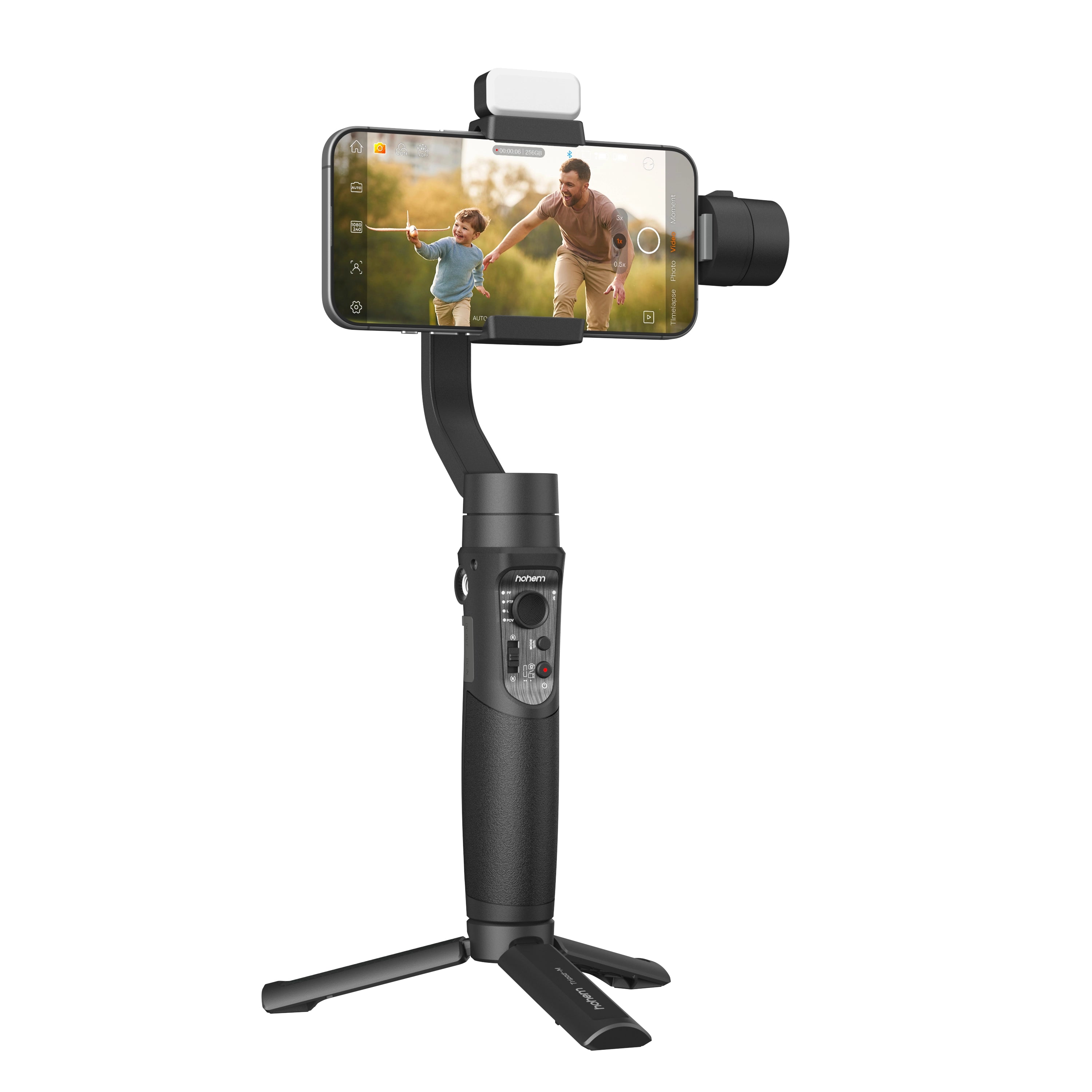

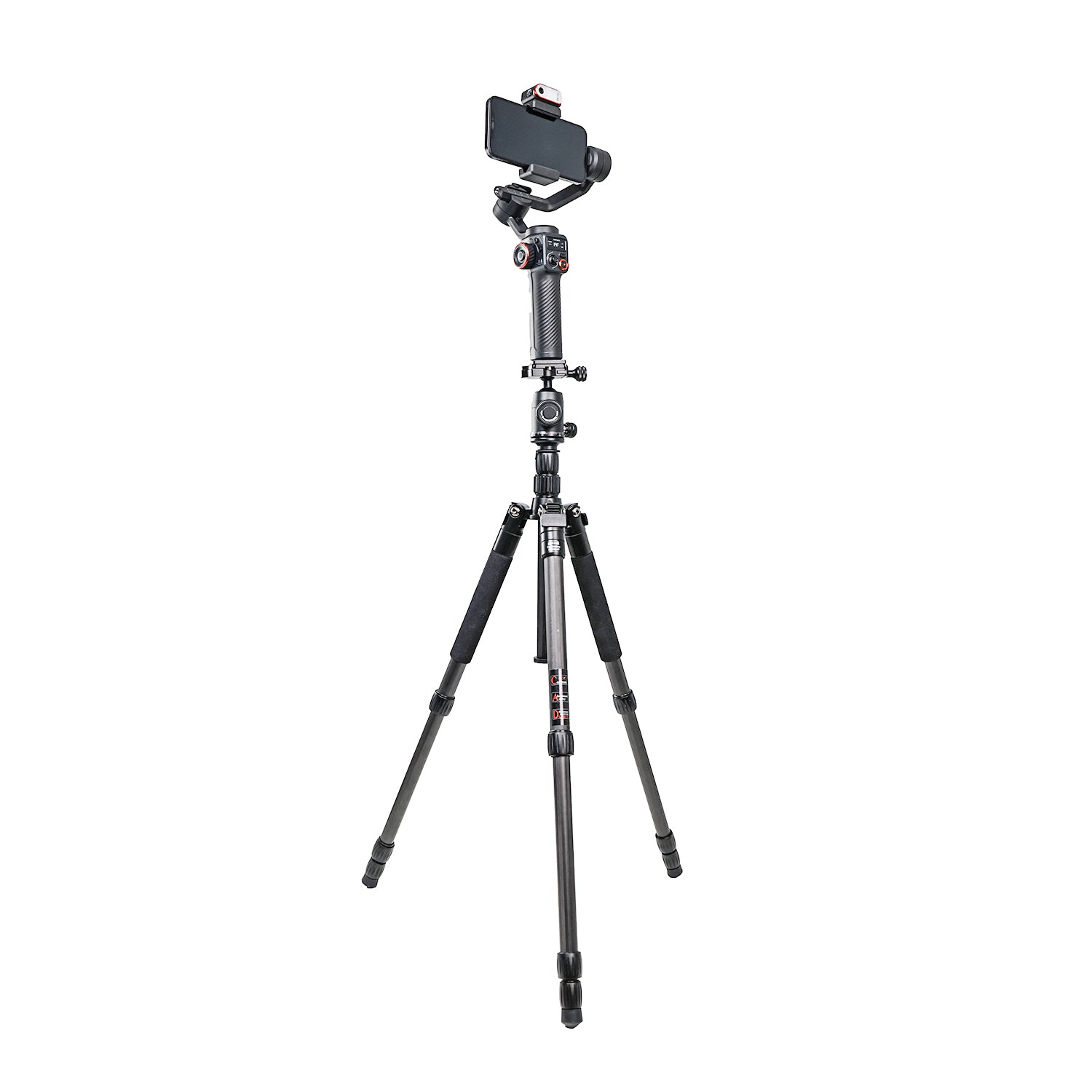


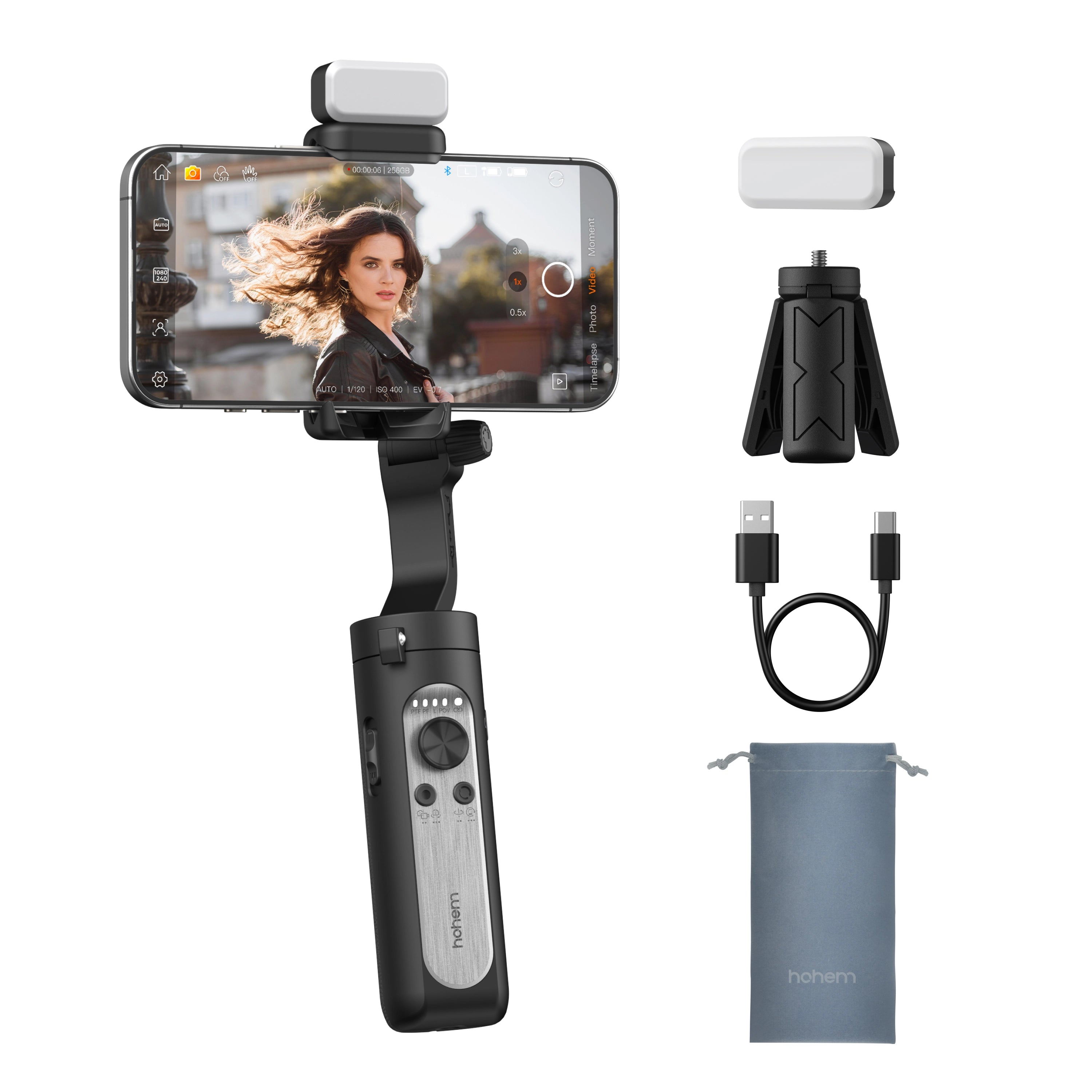
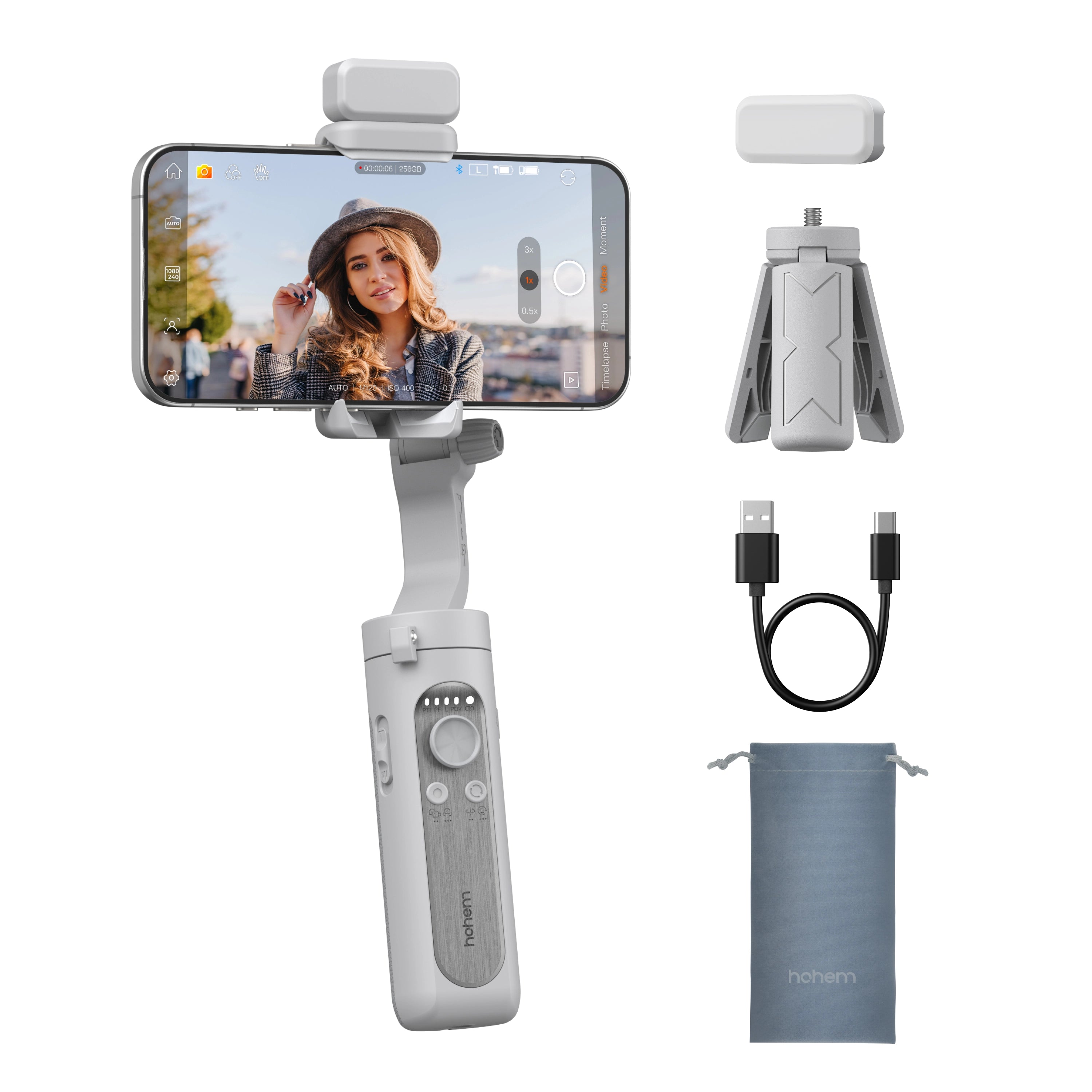


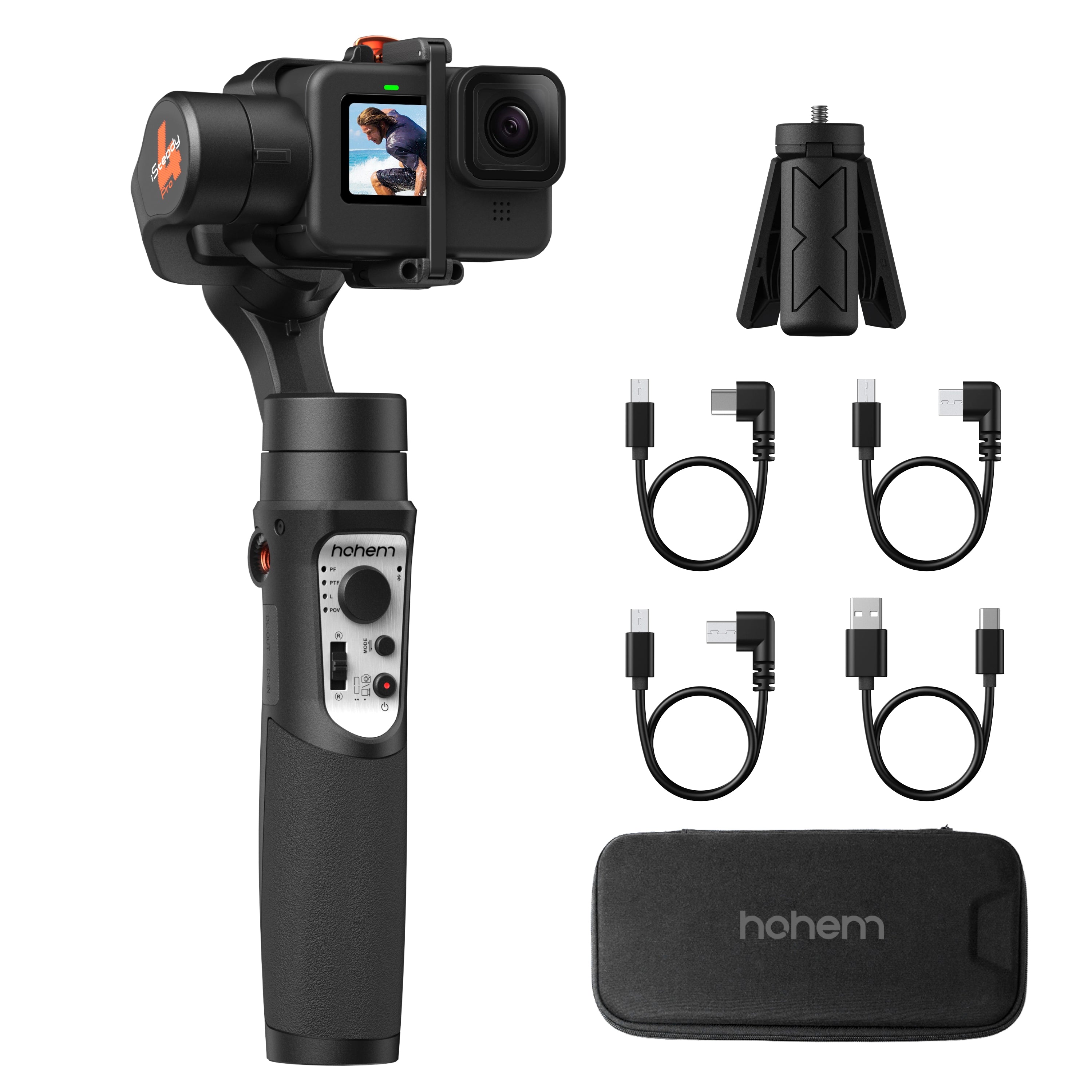

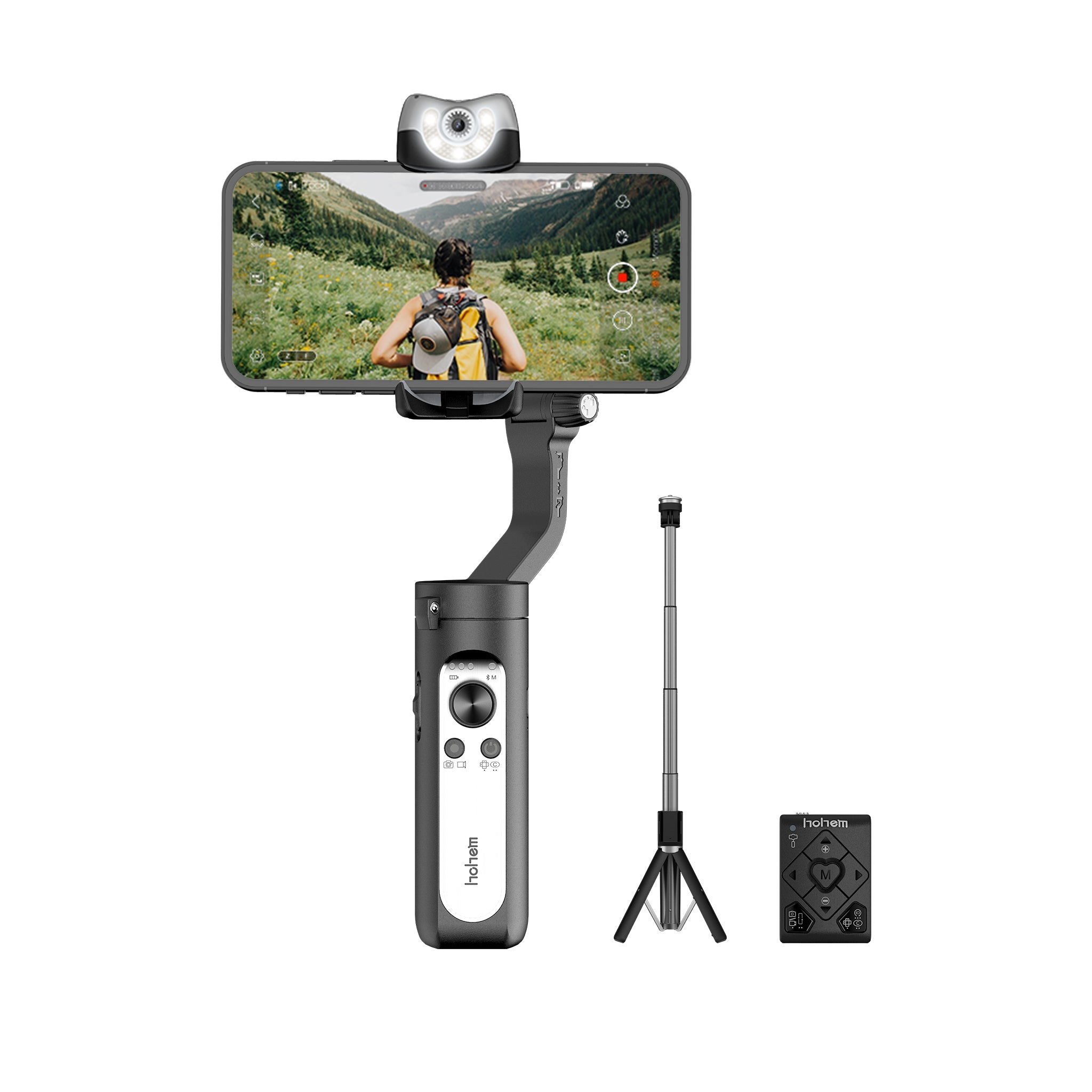
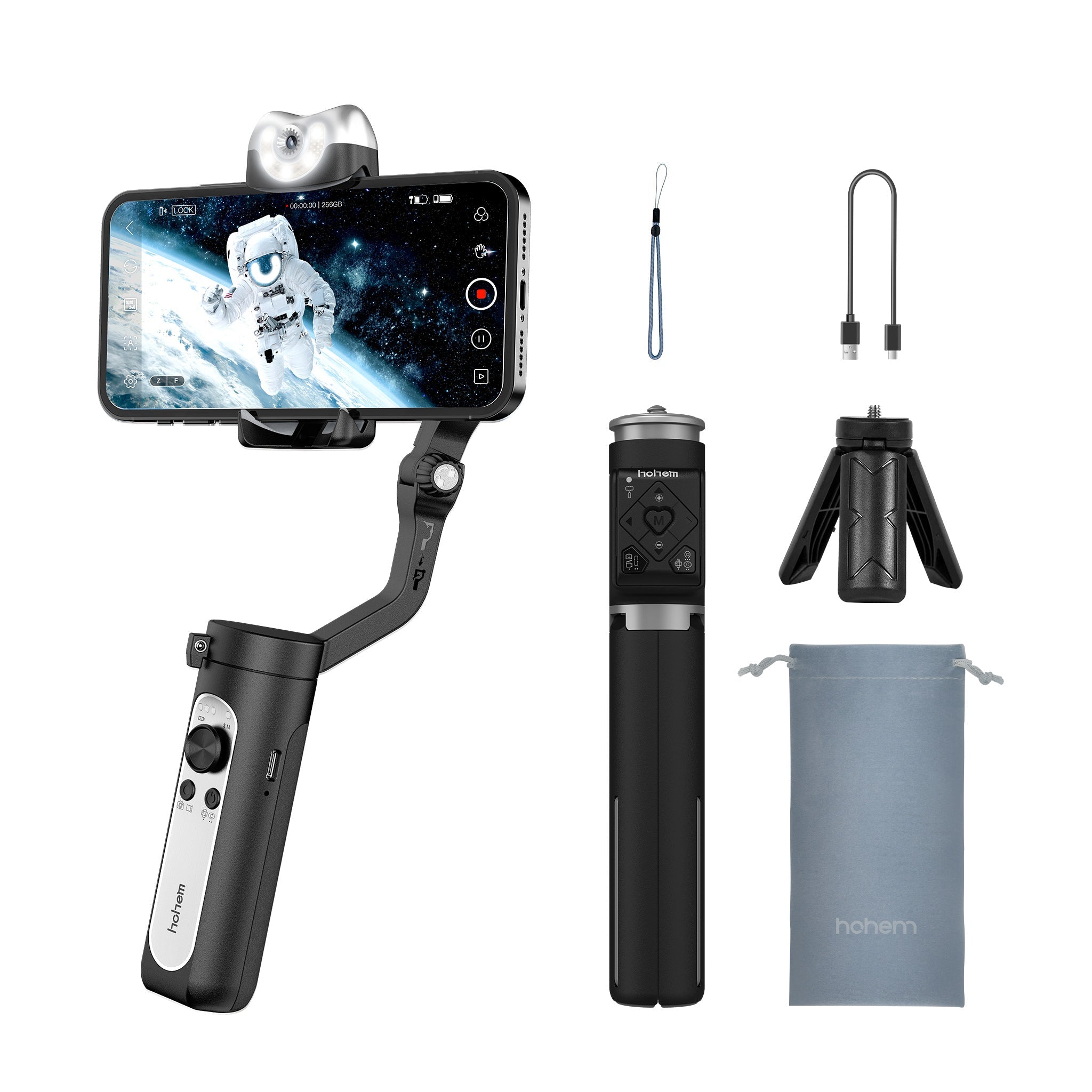
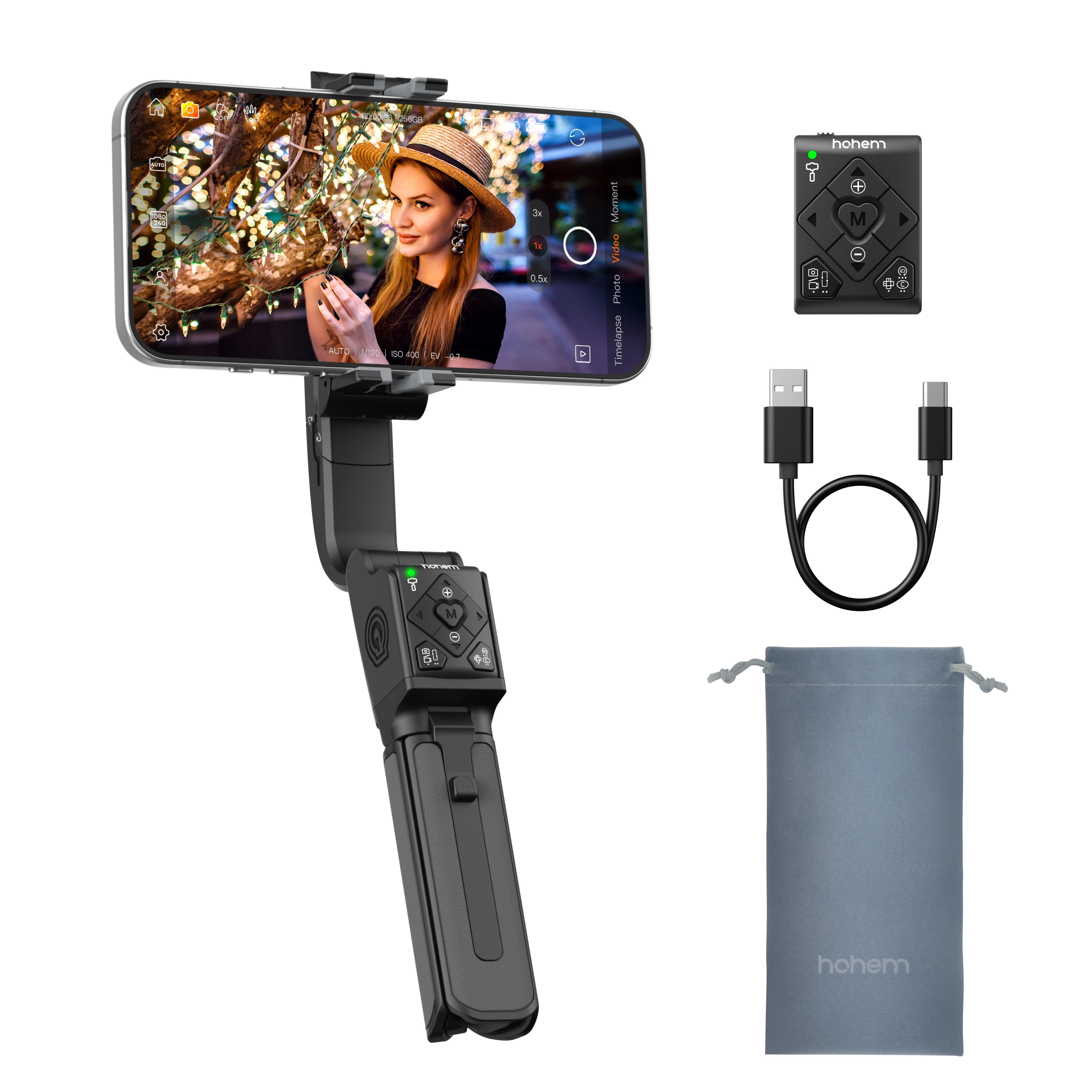
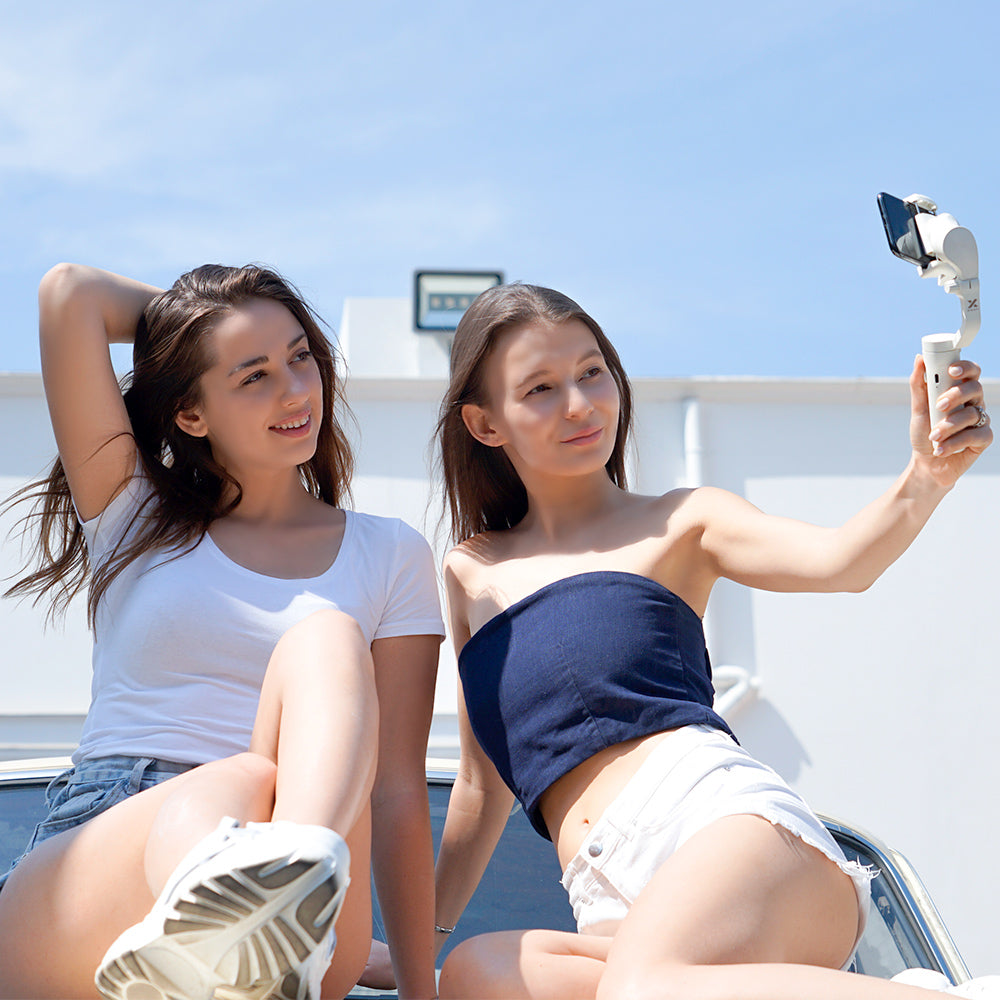
The Ultimate Guide to Gimbals: Choosing the Best Gimbal Stabilizer for Your Needs
Gimbals have revolutionized the way videographers and photographers capture smooth, cinematic shots. Whether you're a content creator, a travel vlogger, or a professional filmmaker, a gimbal stabilizer can significantly enhance your video quality. This guide will help you understand what a gimbal is, how it works, why you might need one, and how to choose the best model for your needs.
What is a Gimbal?
- A gimbal is a pivoted support device that allows a camera or smartphone to rotate smoothly along an axis.
- It stabilizes movement by counteracting unintended shakes and vibrations.
- Unlike a selfie stick, a gimbal actively stabilizes footage using motors and sensors.
How Does a Gimbal Stabilizer Work?
- Gimbal stabilizers operate using three-axis or two-axis technology.
- A three-axis gimbal controls tilt, roll, and pan, providing comprehensive stabilization.
- It helps eliminate rolling shutter issues by keeping the camera level and smooth during movement.
Where Are Gimbals Used?
- Filmmaking and Cinematography: Used for smooth tracking shots, action sequences, and cinematic movements.
- Vlogging and Content Creation: Ensures steady, high-quality footage for YouTube, Instagram, and TikTok.
- Live Streaming and Journalism: Reporters rely on gimbals for stable video transmission.
- Sports and Action Videography: Captures fast-moving action shots without blur.
- Event Photography and Videography: Used for weddings, concerts, and event coverage.
- Corporate and Real Estate Video Production: Helps create professional promotional videos and walkthroughs.
How to Choose the Best Gimbal for Your Needs
- Compatibility: Ensure the gimbal supports your camera or smartphone.
- Weight Capacity: Pick a model that can handle your device’s weight.
- Battery Life: Longer battery life means extended shooting sessions.
- Ease of Use: Features like auto-calibration and lightweight design improve usability.
How to Use a Gimbal for Top-Quality Videos
- Set up and balance your gimbal properly before use.
- Move smoothly to avoid abrupt shakes.
- Use different gimbal modes like follow mode or lock mode.
- Practice walking techniques to maximize stabilization benefits.
- Avoid overloading the gimbal or improper balancing.
Gimbals vs. Other Stabilization Tools
- Gimbal vs. Tripod: A gimbal is for dynamic motion, while a tripod is for static shots.
- Gimbal vs. Handheld Stabilizers: Traditional stabilizers rely on counterweights, while gimbals use motors.
- Gimbal vs. Built-in Camera Stabilization: Gimbals provide superior smoothness for motion shots.
Potential Downsides of Using a Gimbal
- Cost: High-quality gimbals can be expensive.
- Learning Curve: Takes time to master smooth movements.
- Portability: Some gimbals are bulky and require space.
- Battery Dependence: Unlike mechanical stabilizers, gimbals rely on battery power.
Frequently Asked Questions
What is the purpose of a stabilizer?
A stabilizer reduces unwanted camera movements for smoother footage.
How do I choose a good gimbal?
Look for compatibility, weight capacity, battery life, and ease of use.
Where are gimbals used?
Used in filmmaking, vlogging, live streaming, and sports videography.
Why would you need a gimbal?
To achieve professional-quality stabilization in motion shots.
Are gimbals worth buying?
If you want smooth footage, a gimbal is a great investment.
Why is it called a gimbal?
The term originates from nautical engineering, referring to pivoting mechanisms.
Do gimbals help with still photography?
Yes, they can aid in stable long-exposure shots.
How do you walk smoothly with a gimbal?
Bend your knees slightly and use heel-to-toe steps.
What is the difference between a gimbal and a selfie stick?
A gimbal stabilizes motion; a selfie stick only extends reach.
Do you have to balance a gimbal every time?
Some models require occasional rebalancing, while others self-calibrate.
Is a gimbal better than a tripod?
For motion shots, yes; for static shots, a tripod is better.
Does a gimbal help with rolling shutter?
Yes, by stabilizing rapid movements and vibrations.
How Much Do Gimbals Cost?
Gimbal prices range from budget-friendly ($50-$150) to professional-grade ($300-$1000+). High-end gimbals offer better stabilization, longer battery life, and advanced features. Check reputable US-based stores like Hohem Store for top-rated models.
Explore various collections of gimbal stabilizers at Hohem!
A gimbal stabilizer is an essential tool for anyone serious about videography and content creation. It offers unparalleled stabilization, improving video quality and cinematic storytelling. If you're looking for the best gimbal stabilizers, check out the top options at Hohem Store.
Find the Right Gimbal for Your Gear
| Weight | App-Free AI Tracking (Person & Object) | App-Free AI Tracking (Person & Object) | AI tracking in Hohem Joy app |
|---|---|---|---|
| Battery life | 500g | 400g | 300g |
| Payload | Detachable touchscreen remote included | Detachable touchscreen remote included | Detachable remote included |
| Best for | Orthogonal 3-axis stabilization | Foldable 3-axis stabilization | Foldable 3-axis stabilization |
| Stabilization | 205 mm built-in extension pole | 193mm built-in extension pole | — |
| Tracking | Pan: 360° Infinite, Roll: -45° to 45°, Tilt: -50° to 275° | Pan: 360° Infinite, Roll: -195° to 135°, Tilt: -35° to 45° | Pan: -120° to 210°, Roll: -195° to 135°, Tilt: -35° to 45° |
| Extension | Pro mobile filmmakers, live streamers, and heavy-payload smartphone setups. | Travel vloggers, daily content creators, and solo mobile storytellers. | Entry-level creators wanting an ultra-light, easy-to-use foldable phone stabilizer. |


| Weight | App-Free AI Tracking (Person & Object) | App-Free AI Tracking (Person) | App-Free AI Tracking (Person & Object) |
|---|---|---|---|
| Battery life | 500g | 400g | 400g |
| Payload | Detachable touchscreen remote included | — | Detachable touchscreen remote included |
| Best for | Orthogonal 3-axis stabilization | Orthogonal 3-axis stabilization | Foldable 3-axis stabilization |
| Stabilization | 205 mm built-in extension pole | 1/4" Extension Port | 193mm built-in extension pole |
| Tracking | Pan: 360° Infinite, Roll: -45° to 45°, Tilt: -50° to 275° | Pan: 360° Infinite Roll: -35° to 35° Tilt: 335° | Pan: 360° Infinite, Roll: -195° to 135°, Tilt: -35° to 45° |
| Extension | Pro mobile filmmakers, live streamers, and heavy-payload smartphone setups. | Creators needing heavy payload support, magnetic AI tracking, and 360° infinite spin. | Travel vloggers, daily content creators, and solo mobile storytellers. |

| Weight | App-Free AI Tracking (Person & Object) | Optional AI tracker (only tracks human subjects) | AI tracking in Hohem Joy app |
|---|---|---|---|
| Battery life | 2.5 kg (5.51 lbs) | 1.2 kg (2.64 lbs) | 300g |
| Payload | Detachable touchscreen remote included | — | Detachable remote included |
| Best for | Orthogonal 3-axis stabilization | Orthogonal 3-axis stabilization | Foldable 3-axis stabilization |
| Stabilization | 1/4"-20 UNC port for external extension pole | 1/4" Extension Port | — |
| Tracking | Pan: 360° Infinite, Roll: -45°~45°, Tilt: -188°~108° | Pan: 360° Infinite, Roll: 200°, Tilt: 290° | Pan: -120° to 210°, Roll: -195° to 135°, Tilt: -35° to 45° |
| Extension | Hybrid shooters, mirrorless videographers, and multi-device content creators. | Creators needing a single stabilizer for lightweight mirrorless cameras, action cams, and phones. | Entry-level creators wanting an ultra-light, easy-to-use foldable phone stabilizer. |

